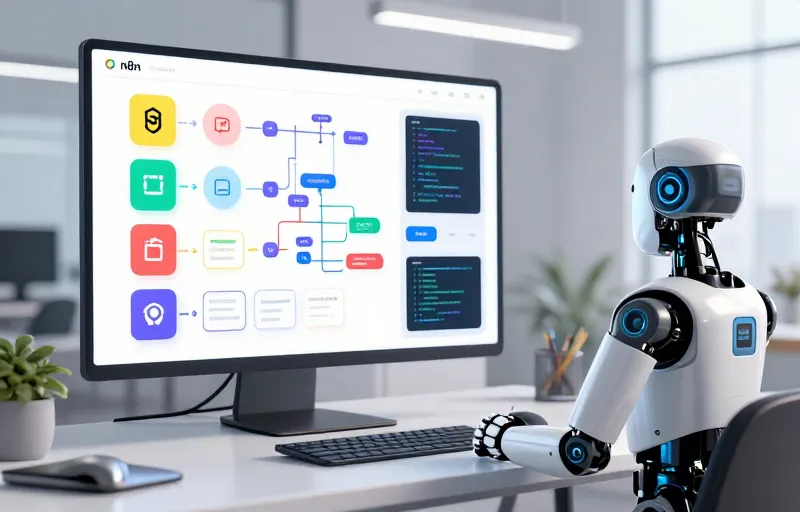
n8n-mcp
n8n-MCP is an open-source Model Context Protocol server that gives AI assistants deep, real-time understanding of n8n workflow nodes so they can build, update, and validate workflows with accuracy.
About
🧠 What Is n8n-MCP?
n8n-MCP is a bridge between AI assistants (like Claude, Cursor, Windsurf, etc.) and the n8n workflow automation platform. It exposes n8n’s nodes, properties, docs, operations, and templates to AI in a machine-readable form so your assistant can understand and manipulate workflows correctly—avoiding errors and manual copy-paste JSON.
👍 Pros & 👎 Cons
👍 Pros
✔️ Accurate AI workflow generation — AI gets complete n8n node info and templates, meaning fewer mistakes in workflows.
✔️ Direct deployment & updates — AI can create or modify workflows directly without manual JSON editing.
✔️ Huge template library — Thousands of ready-to-use workflows help AI bootstrap work fast.
✔️ Fast responses — Optimized with SQLite for quick lookups, so AI feels responsive.
✔️ Free & open source — Community-driven with MIT license.
👎 Cons
⚠️ AI unpredictability — Tools can still make risky changes; backups & testing are critical.
⚠️ Setup complexity — Self-hosting requires configs with env vars, API keys, and CLI tweaks.
⚠️ Security considerations — Exposing workflow control to AI needs careful security—don’t expose production n8n without safeguards.
⚠️ Limited to MCP-compatible assistants — Best with tools that support Model Context Protocol.
📌 How It Can Be Used
🧩 Primary Uses
✅ Automating n8n workflows using natural language — Just describe what you need and AI builds it.
✅ Workflow validation & error checking — AI catches bad configurations before deployment.
✅ Template exploration & modification — AI finds a template and auto-updates it to match your needs.
✅ Build intelligent AI agents — Connect assistants like Claude Desktop with n8n to automate task pipelines.
📋 Step-by-Step: Use n8n-MCP
1) Hosted (Fastest)
Sign up on the hosted dashboard (no installation).
Get API key and connect it to your AI client.
Ask your AI to create workflows in n8n.
2) Self-Host (Full Control)
Install Node.js (if missing).
Run:
npx n8n-mcp
or use Docker / Docker-Compose.
Configure MCP in your AI assistant’s settings.
Point to your n8n instance with N8N_API_URL and key.
Restart AI client and start generating workflows.
🎯 Benefits of Using n8n-MCP
✔️ Speed — Faster automation building.
✔️ Accuracy — AI uses real node schemas and docs.
✔️ Less manual work — No more copy-pasting JSON or trial-and-error.
✔️ Scalable automation — Let AI handle complex automation tasks.
🔄 Alternatives
If you don’t want to use n8n-MCP or want different options:
1. n8n official MCP service – n8n itself has an official MCP offering tied to docs, usually easier for basic tasks.
2. Zapier MCP – Built-in MCP for Zapier that covers thousands of integrations (for non-n8n workflows).
3. Manual JSON generation + AI prompts – Cheap & simple, but error-prone.
4. Other MCP servers – Some community MCPs exist for specific tools & services.